How to accurately transfer a real object into digital space?
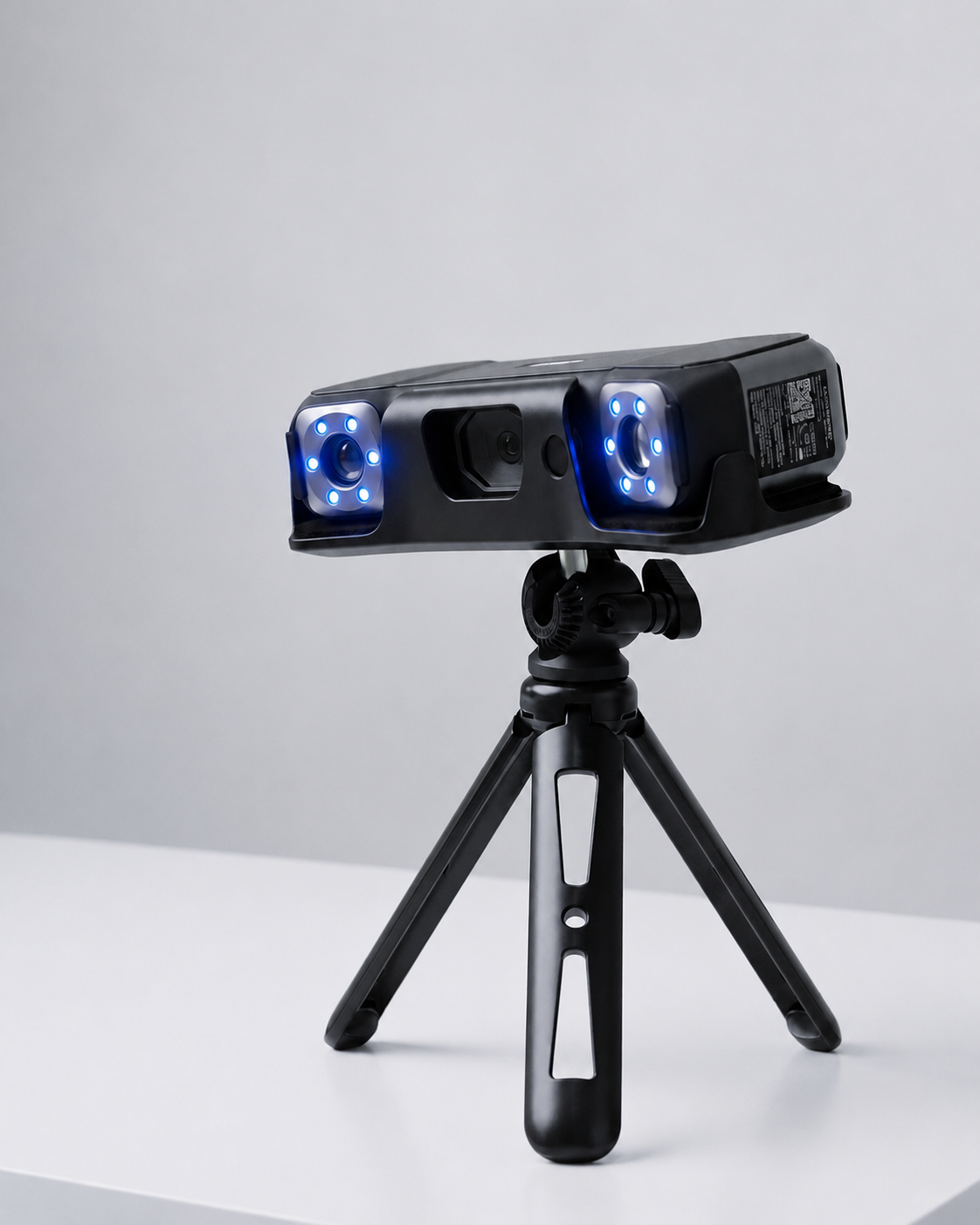
In the past, a complex object required careful measurement, redrawing, or even making a mold. Today, this process is greatly facilitated by a 3D scanner, which converts a real object into an accurate digital model.
3D scanning is a technology that allows you to digitize even complex shapes and geometries of objects using lasers and other scanning methods.
3D scanning offers many possibilities:
- allows you to accurately recreate shapes that would be difficult or even impossible to model with CAD programs,
- scanned models can be easily adjusted and improved, restore the original geometry of a broken part, improve it and produce it by 3D printing,
- helps to check the quality of manufactured parts and identify damage.
This technology helps to save, analyze and recreate objects even when their drawings are not available.
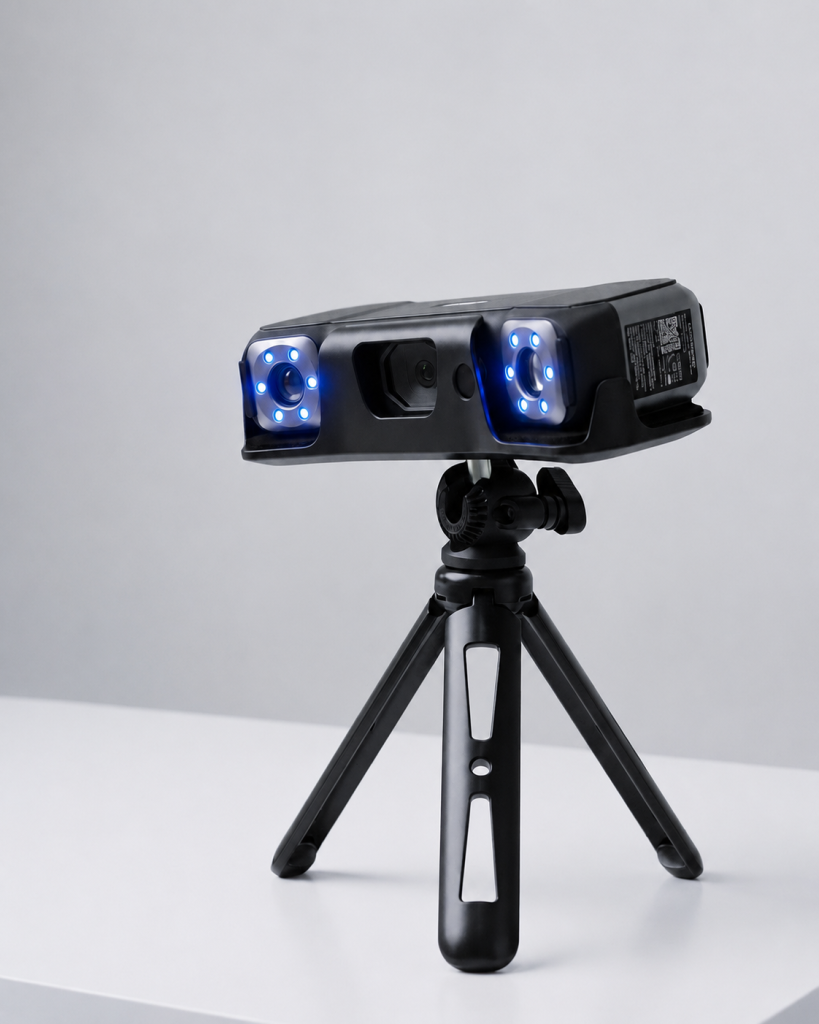
Practical 3D scanning applications:
- Civil engineering and architecture – building environment, elements, model visualizations.
- Museum activities and restoration – archiving and restoration of valuable items.
- (Auto)Mechanical engineering – inspection, restoration, optimization of parts.
- VR and AR installations, video effects – uploading real objects into digital space.
- Medicine – production of dental prostheses, organ research.
As we can see, 3D scanning can be used in completely different areas. However, this also means that the equipment for scanning must also be adapted to the necessary specifications.
Not all objects are suitable for the same 3D scanning method. Depending on the size, shape, surface texture and color of the object, the most suitable scanning mode is selected. And this helps to transfer the real object into digital space faster and more accurately.
The scanner can have several scanning modes:
“Cross Lines” – for black and glossy surfaces
“Parallel / Single Lines” – for small and complex details
“Full Field Scan” – for fast scanning of textured and organic-shaped objects
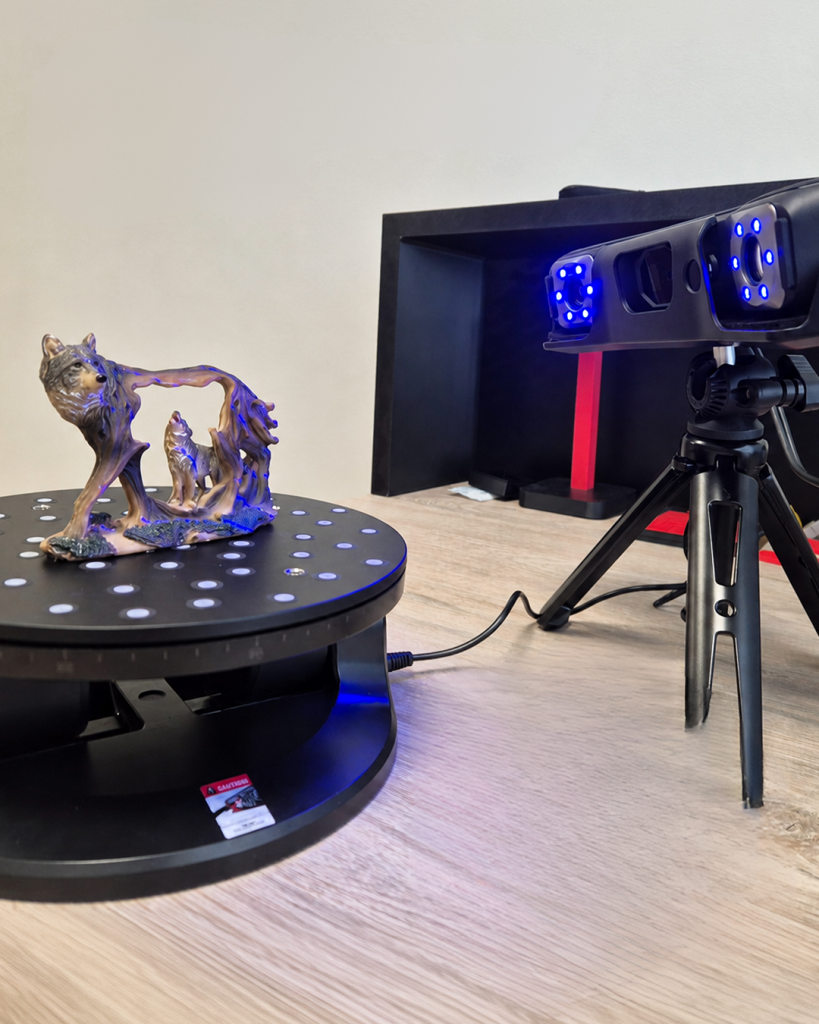
“Auto Turntable” – for scanning small details on a rotating tray, also capturing their colors.
So, each project needs to adapt the scanning parameters and mode. Another important element of scanning is the ability to change and improve the scanned model in the modeling program. More on this in the next post.